Trending

The Ultimate Canva Creator's Course

Unleash your inner designer! This course is your ultimate guide to mastering Canva, the fun and free design tool. In just four modules, you'll go from a beginner to a pro, learning to create stunning social media posts, eye-catching logos, and dynamic videos. Get ready to turn your creative ideas into jaw-dropping designs!
4.5/5 Rating
1000+ Students
Beginner Level
8 Classes 3 weeks
India
Available Coaching Centers:
No coaching centers found in this location. Please try another area.

For School

Get detailed information about our programs for your school.

Pre-Recorded

Get your self placed module for this course with 1-on-1 live mentorship!

Batch (Group Classes)

₹ 99 /class

Individual (1-ON-1 Classes)

₹ 129 /class

Course Description

Welcome to "The Ultimate Canva Creator's Course"—a hands-on journey to mastering one of the most powerful and accessible design tools available. This course is built to empower young creators to express themselves visually, giving them practical skills that can be used for school projects, social media, or even a future career.

Over four progressive modules, you will not just learn what the buttons do, but why they matter. We'll start with the foundational principles of design, then move into advanced techniques for using color and typography to tell a story. You'll also learn to add animation and create dynamic video content. By the end, you will have a showcase of your best work, including a professional-looking YouTube thumbnail and channel art, ready to share with the world.

What You Will Learn in This Course:

  • Core Design Principles: Master the fundamentals of graphic design, including typography, color theory, and composition.
  • Essential Software Skills: Become proficient in using Canva, a powerful and accessible design tool.
  • Branding and Identity: Learn how to design a logo and a simple brand banner to create a cohesive visual identity.
  • Digital and Print Media: Create stunning graphics for a variety of platforms, from social media posts and animated visuals to flyers and video content.
  • Creative Problem-Solving: Develop a designer's mindset to solve visual challenges and present work professionally.
Learning Path
4 Modules • Click a step to explore
0%
Module 1
Module 2
Module 3
Module 4
1
Module 1: The Creator's Toolkit
2 lectures
1.1

Lecture 1: Your Digital Canvas

  • Objective: Become familiar with the Canva workspace.
  • Canva Focus: Navigating the home page, starting a new project, using the search bar for templates, and understanding the core tools (Elements, Text, Uploads).
  • Project: "My First Design." Students create a simple quote poster or a "get to know me" social media post.
1.2

Lecture 2: The Language of Design

  • Objective: Learn about the basic elements that make up a design.
  • Canva Focus: Manipulating shapes, lines, and frames from the Elements tab. Students will also learn to use the Color Picker to change colors.
  • Project: "Mood Board Master." Students create a mood board for a fictional product, focusing on colors and shapes that capture a specific feeling.
2
Module 2: Mastering the Art of Visuals
2 lectures
2.1

Lecture 3: The Psychology of Color

  • Objective: Understand how colors affect a viewer's mood and learn to choose effective color palettes.
  • Canva Focus: Exploring Canva's vast color palettes. The instructor will demonstrate how to find inspiration from photos and apply those colors to a design.
  • Project: "Brand Identity." Students design a logo and a simple brand banner for their own personal brand (or a brand they invent), ensuring the colors communicate the right message.
2.2

Lecture 4: Text that Talks

  • Objective: Learn how to select and pair fonts to create a clear message.
  • Canva Focus: The Text tab. Showcasing different font styles (Serif vs. Sans-Serif) and demonstrating how to use the "Font Combination" suggestions.
  • Project: "Typography Teaser." Students design a book cover or movie poster using a catchy title and a clear font pairing that grabs attention.
3
Module 3: Dynamic Layouts & Media
2 lectures
3.1

Lecture 5: The Rule of Visual Flow

  • Objective: Understand how to arrange elements on a page for maximum impact.
  • Canva Focus: Using Grids, Frames, and Alignment tools. The lesson will cover concepts like "the rule of thirds" and visual hierarchy.
  • Project: "School Event Flyer." Students create a promotional flyer for a school event like a bake sale or concert, making sure all the important information is easy to find.
3.2

Lecture 6: Bringing Your Designs to Life

  • Objective: Add movement and interactivity to designs.
  • Canva Focus: The "Animate" and "Video" tools. Show how to animate text and elements and create a short, simple video.
  • Project: "Animated Social Post." Students create a short animated Instagram story or a video for TikTok, using text and animated elements.
4
Module 4: The Ultimate Creator's Portfolio
2 lectures
4.1

Lecture 7: Real-World Design Challenges

  • Objective: Apply all learned skills to a complex project.
  • Canva Focus: This lecture will be a comprehensive "how-to" on designing a high-impact project from start to finish.
  • Project: "YouTube Thumbnail and Channel Art." Students will design a professional-looking YouTube thumbnail and a channel banner that are visually consistent. This project is highly relatable and practical.
4.2

Lecture 8: Your Creator Showcase

  • Objective: Learn how to present and share their work professionally.
  • Canva Focus: The "Share" and "Download" options. The instructor will explain the different file types (PNG, JPG, PDF) and when to use each one.
  • Final Activity: Students will download their favorite project from the course and share it as their final deliverable, showing off their newfound skills.

Leave a Review

Your feedback matters! Share your learning experience to help other students choose their path and improve our community.

Tap to Rate

Ask a question about this course

Have a question before you buy? Ask anything about the course and our team or community will reply directly in the thread below.

Student Login Required

Please login as a student to ask questions, read threads, and join the discussion about this course.

Canva Course

What’s Included

Everything you need to know about this course

Lectures
8 Classes
Duration
3 weeks
Level
Beginner
Language
English / Hindi

What you need / Requirement

Internet
Internet

You need a working internet connection to watch videos, join online classes, and get help when needed.

Laptop/PC
Laptop/PC

A personal computer is essential for hands-on practice and project work.

Your Journey. Your Growth.

A structured path designed to take you from basics to mastery with clarity, confidence, and real-world impact.

01

Beginner

Start with fundamental concepts and build a strong foundation.

02

Intermediate

Expand your knowledge and start building practical projects.

03

Advanced

Dive deeper into specialized areas and master complex techniques.

04

Master

Achieve expert-level proficiency and innovate with your skills.

Explore Similar Topics

Discover more similar content to expand your knowledge and sharpen your skills.

Trending New Courses

Explore the most popular programs across diverse fields and start your skill-building journey today!
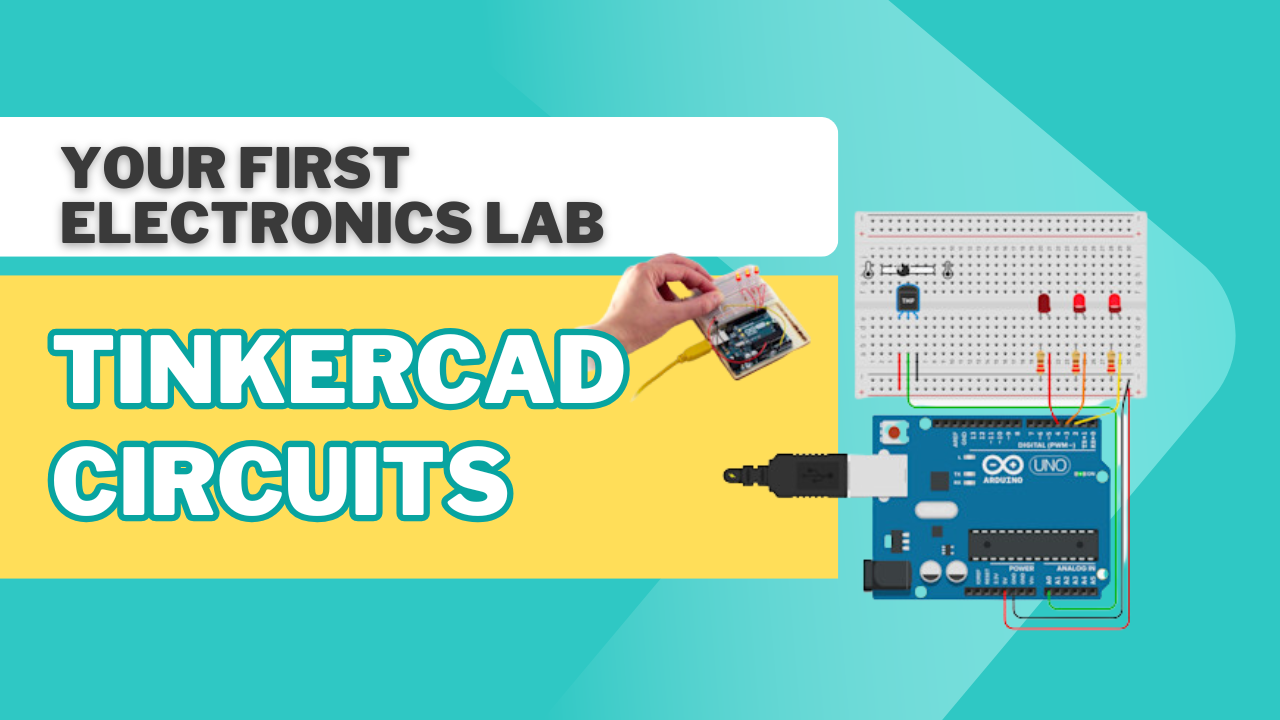
Our Top Product Kits

Check out our best products made to make learning fun, easy and super exciting for everyone.
Intermediate NaivoTech Class-7 Robot Kit
NaivoTech Class-7 Robot Kit
₹3,499 ₹2,499
29% off
View
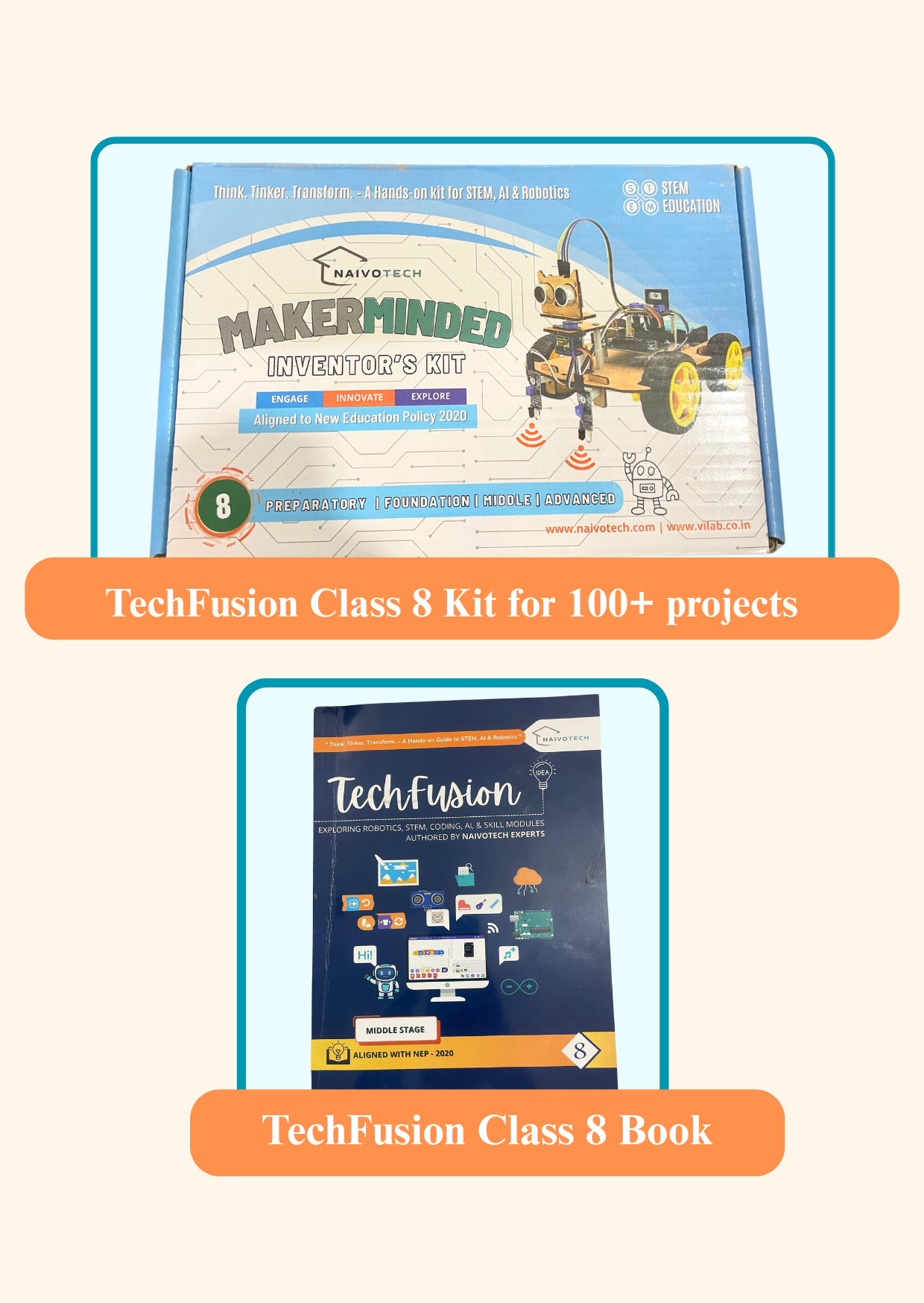
Advanced NaivoTech Class 8 Robotics Starter Sensor Kit
NaivoTech Class 8 Robotics Starter Sensor Kit
₹2,499 ₹1,999
20% off
View
Beginner STEM and Robotics [TechFusion Level - 1]
STEM and Robotics [TechFusion Level - 1]
₹2,599 ₹1,999
23% off
View
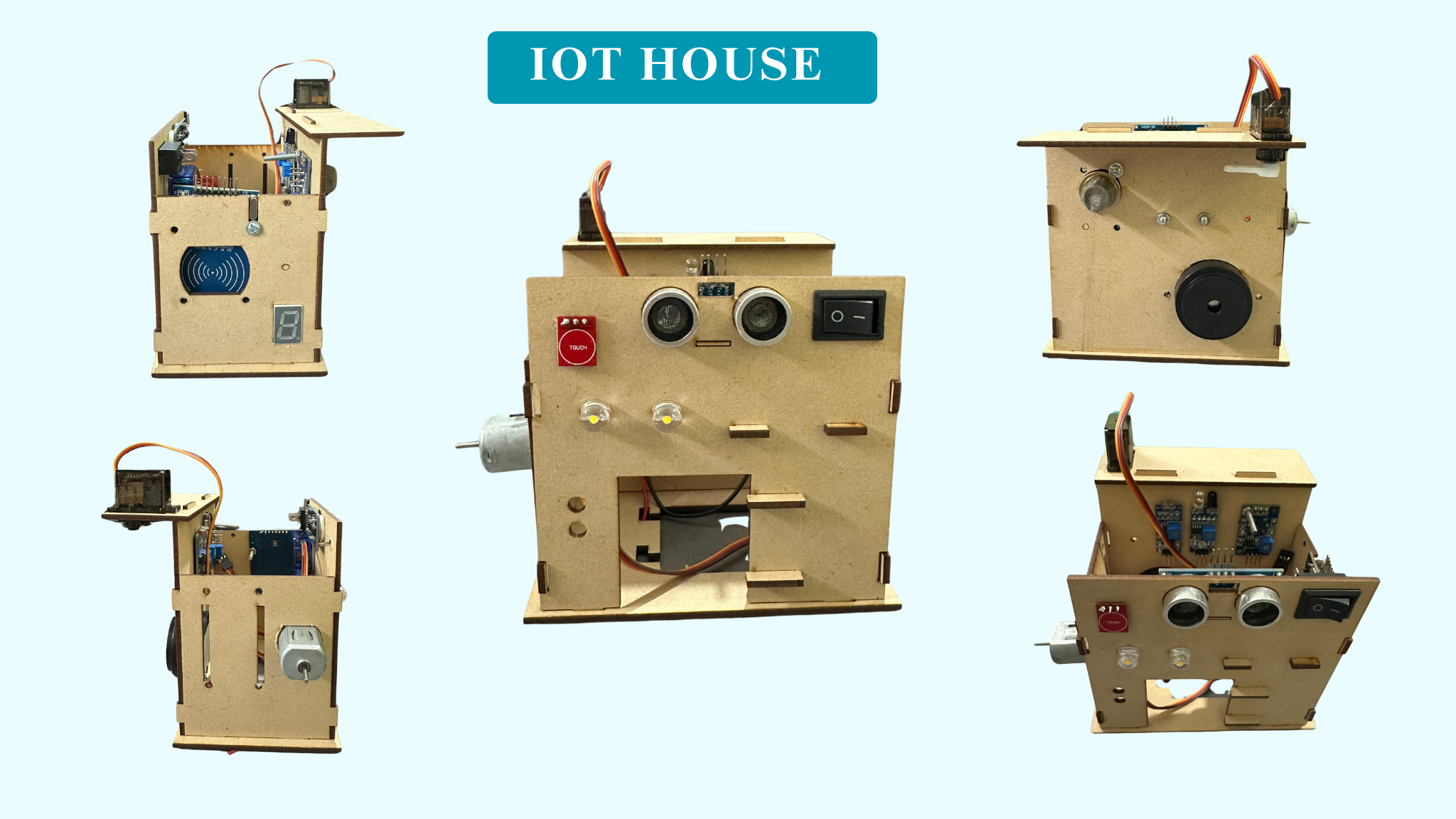
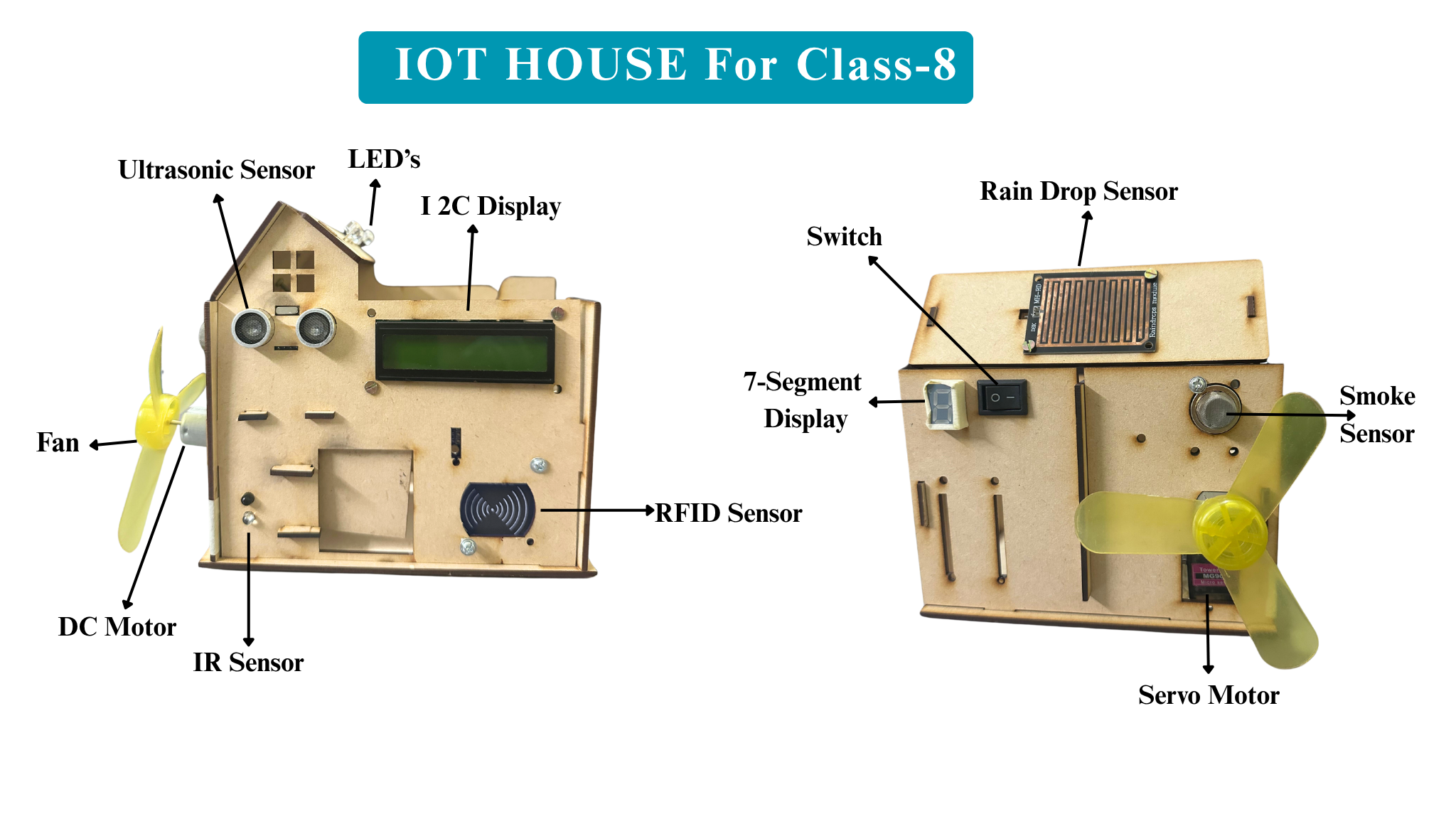
Beginner IoT House Smart Sensor Kit
IoT House Smart Sensor Kit
₹1,999 ₹1,499
25% off
View
Intermediate Obstacle Avoiding Robot Kit
Obstacle Avoiding Robot Kit
₹2,299 ₹1,799
22% off
View
Intermediate Smart Study Lamp Using LDR Sensor
Smart Study Lamp Using LDR Sensor
₹399 ₹299
25% off
View
Beginner Wind Power Car Project Kit using DC Motor
Wind Power Car Project Kit using DC Motor
₹299 ₹199
33% off
View

Still Have Doubts? Let's Connect!

Our academic counselors are available 24/7 to help you choose the right path for your career goals.

Your information is 100% secure with us.